
Every one of us does not like ‘Powered By Blogger’ Attribution shown in the footer of the blog created in blogger.com. So I have searched a lot to know how to remove powered by blogger attribution in blogger. Just sharing the solution which I have found by googling.
How to remove Powered by Blogger Attribution:
Mission: Remove Powered by Blogger Attribution in Blogger
Procedure:
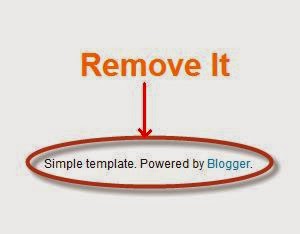
Step 1: Go to Blogger Dashboard
Step 2: Click on Template
Step 3: Click on Edit HTML button.
Now change the true to false. Once you change the code will look like this:
Step 5: Save your template.
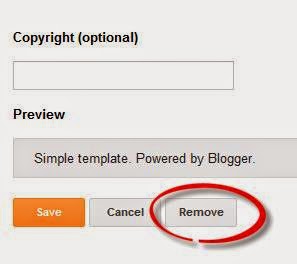
Step 6: Now Go to layout and find the attribution widget.
Step 7: Click on Edit on that attribution widget
Step 8: Now click on the Remove button.
Climax: Mission Successful.